
☰ Chapters
13. Settings Reference
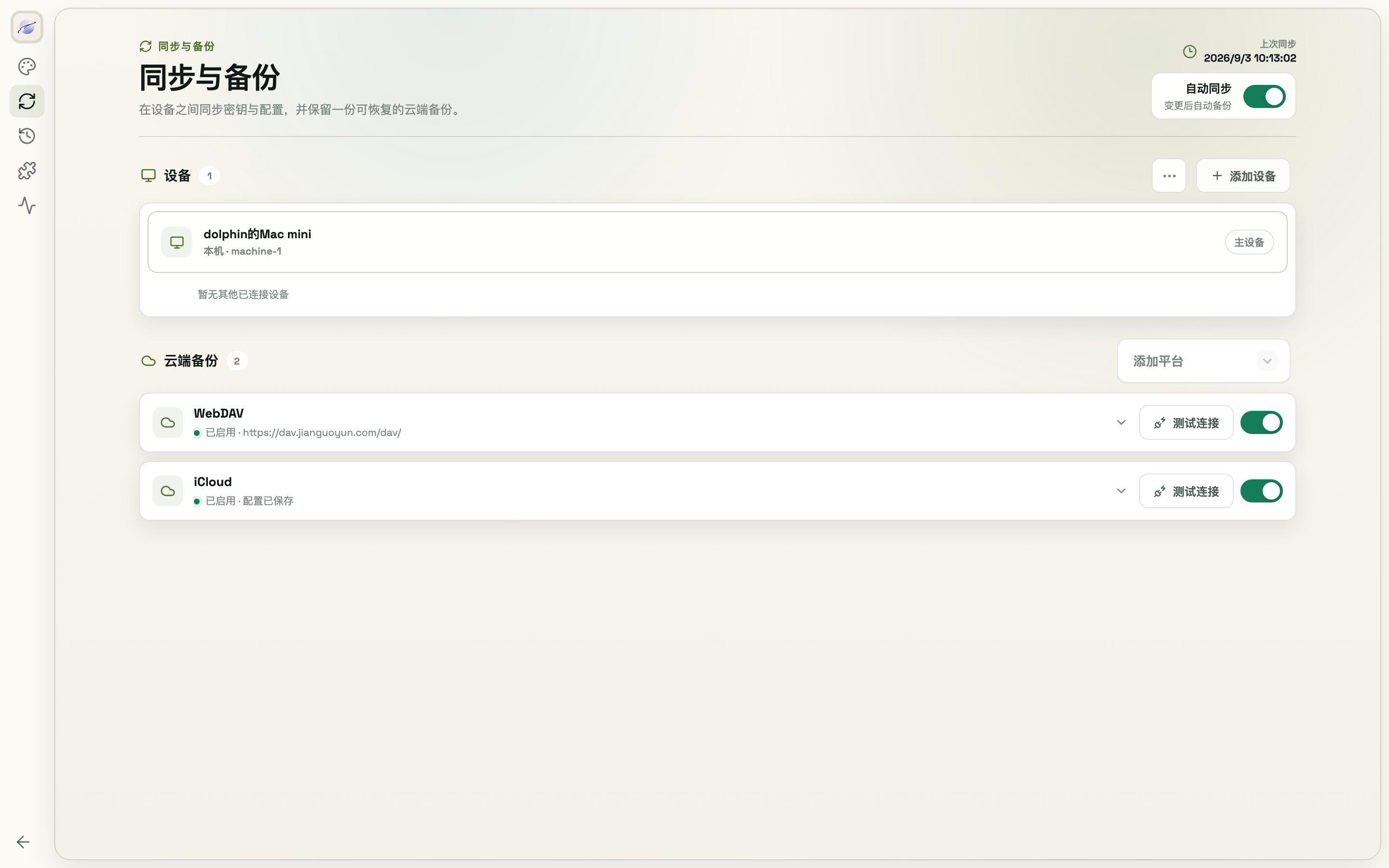
| Section | Contents |
|---|---|
| Language & Appearance | UI language (中文/English), light/dark mode, 5 color schemes |
| Device Sync | LAN device pairing & status (see 11.3), auto sync toggle |
| Cloud Backup | Cloud platform setup & connection tests, sync password (chapter 11) |
| Config History | Snapshots & restore (chapter 12) |
| Browser Extension | Extension connection status, open extension folder, install steps |
| About & Diagnostics | Version & service health, check for updates, copy diagnostics |
| Activity Log | Operation log: search, filter by status, export JSON |
When the desktop app finds an update, it shows a download icon at the upper left of the window. Hover to read the release notes; after you download it, ModelSwap installs the update and relaunches automatically.
When reporting a problem, Copy diagnostics on the About & Diagnostics page produces a summary (version, service status, detected agents, recent failures — no secrets included) you can paste straight into an issue.